1
Prepare
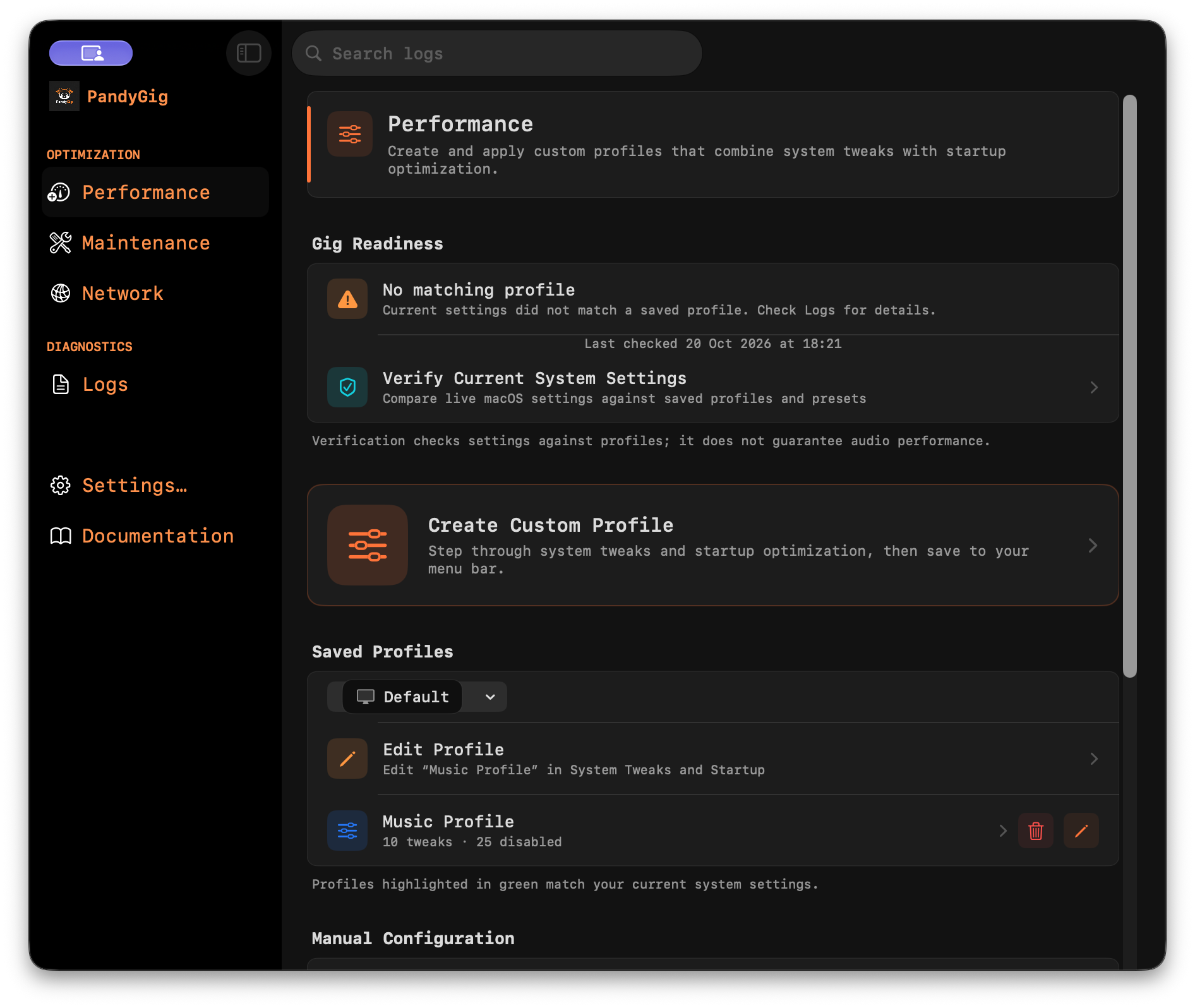
Choose the macOS tweaks, network state and startup items that suit your rig. Save them together as a named profile for the venue, studio or show.
Profiles
12 system controls
Startup items
12 system controls
Startup items
Launching soon for macOS
PandyGig gives DJs, live electronic performers and studio musicians one place to prepare macOS for audio work—then put everything back when the session is over.
Current setup
PandyGig turns a pre-show checklist into a repeatable profile. You choose the changes; the app applies them, checks them and keeps a way back.
Choose the macOS tweaks, network state and startup items that suit your rig. Save them together as a named profile for the venue, studio or show.
Apply your profile before soundcheck and verify that the Mac matches it. The menu bar keeps status and your saved setups within reach.
When the session ends, reinstate your saved system snapshot or return performance settings to the standard macOS defaults.
Inside PandyGig
The native macOS app keeps performance profiles, maintenance and network controls explicit—so every action is visible before you run it.
Built for audio Macs
Fine-grained controls when you need them. A saved, repeatable setup when you do not.
Manage App Nap, Spotlight indexing, Time Machine, notifications, Siri, USB standby and other system behaviour from one place.
Review login items, launch agents and daemons, then include the items you want paused in a performance profile.
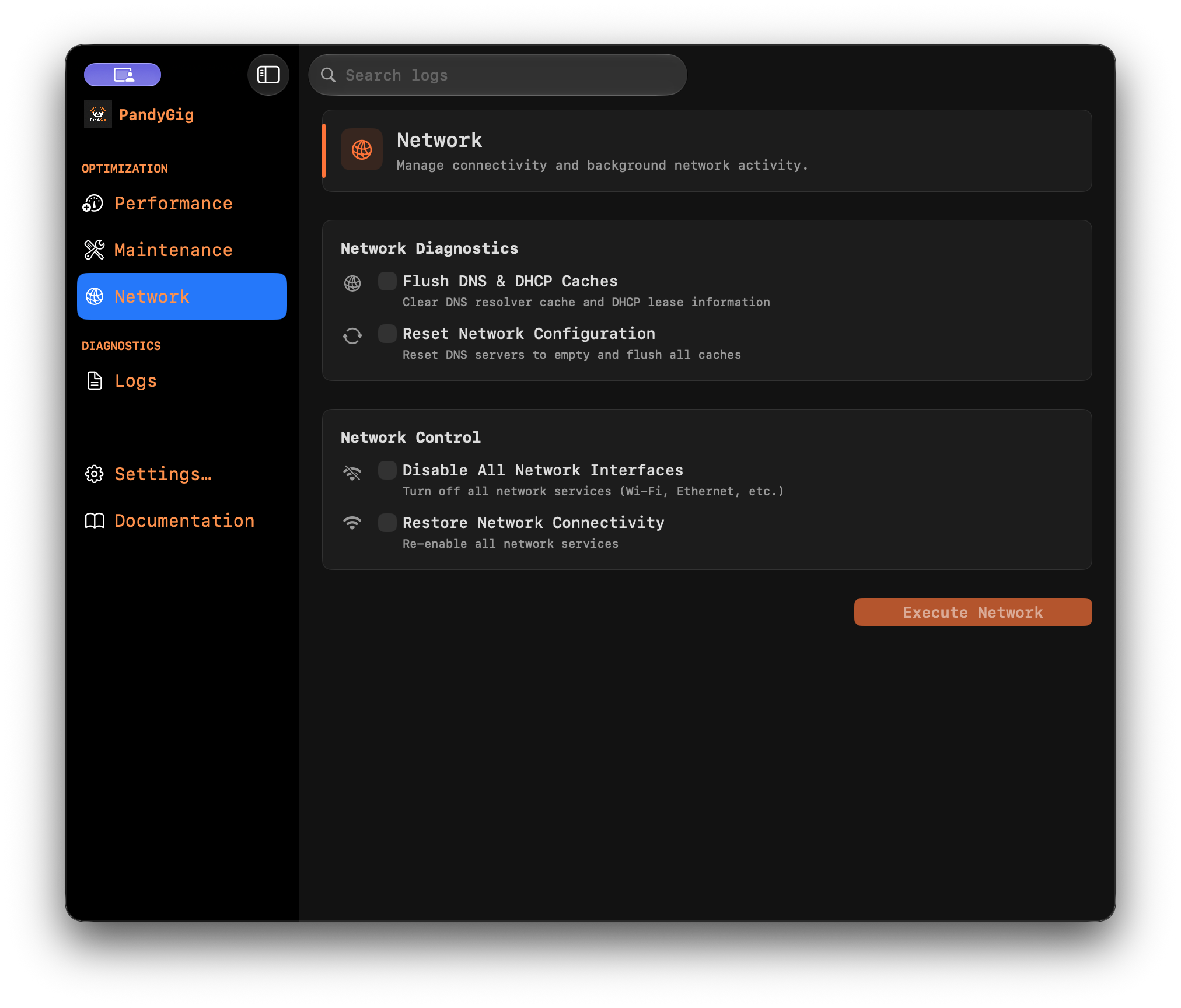
Flush DNS, reset network configuration or disable network interfaces for an intentionally isolated setup.
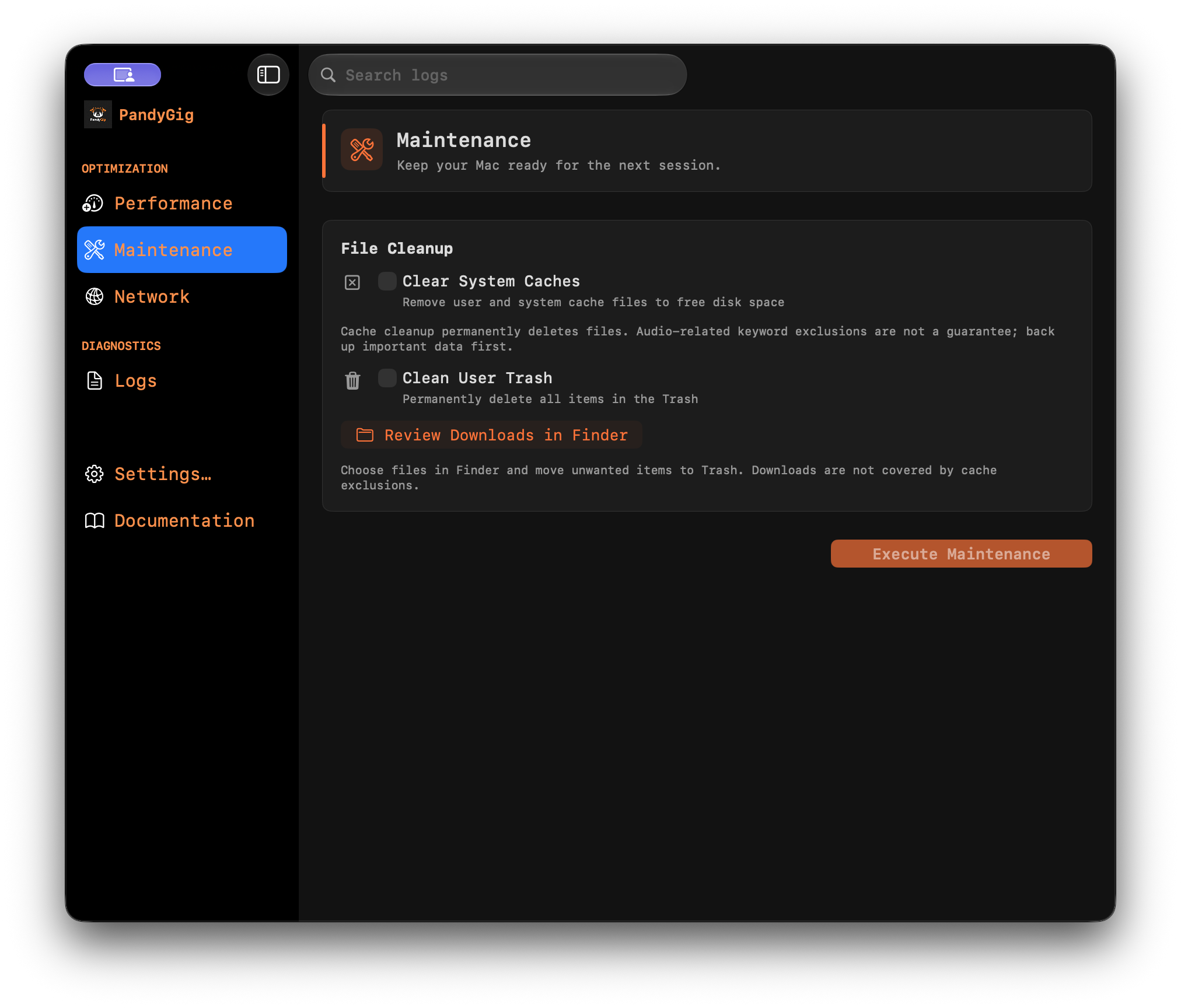
Maintenance excludes major plug-in formats and data from Ableton Live, Logic Pro, Traktor, Serato, Rekordbox and Native Instruments.
See the commands, verification results and profile changes PandyGig makes instead of trusting a black box.
Straightforward pricing
Start with the free trial or unlock every performance control with one payment. No subscription.
Check compatibility and try the support tools.
FULL LICENSE
One payment. Performance profiles unlocked.
Studios, schools and teams
Tell us how many Macs you manage and how they are used. We’ll reply with a bulk-license quote.
Before you install
Full Disk Access is required for Time Machine and Spotlight controls.
Before the doors open